
LogoShipdirs
icon for Joxo

Joxo

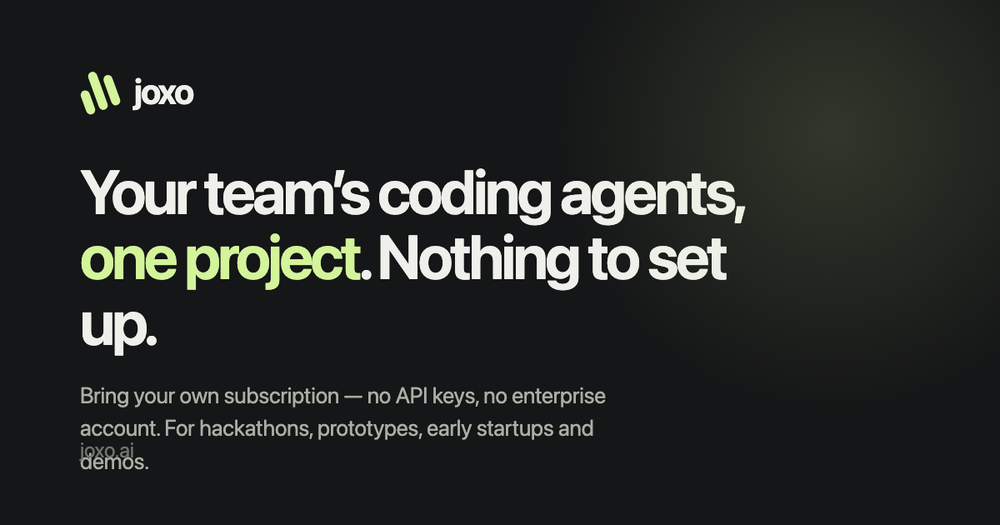
Joxo gives teams one shared project, memory, task board, and handoff layer for their existing AI coding agents.

Introduction

Joxo

Joxo is a shared project workspace for teams using AI coding agents. It connects each person's existing Claude Code, Codex, Cursor, Gemini CLI, or OpenCode setup to one project with shared memory, tasks, and handoffs.

The product is designed around bring-your-own-subscription collaboration: the AI agent stays in the environment where it runs, while the project context is shared with teammates. Start with a small repository and explicit access rules, and review every agent change before merging it.

How to Use Joxo

  1. Create a Joxo project and paste the setup prompt into the coding agent you already use.
  2. Connect the repository and invite the relevant teammates.
  3. Add tasks, conventions, and project context to the shared workspace.
  4. Let agents work on separate tasks while recording handoffs and updates.
  5. Review diffs, tests, and permissions before accepting changes into the main branch.

Joxo's Core Features

Shared AI coding project

Gives multiple developers and their existing agents one project context instead of isolated conversations.

Agent memory

Stores useful project context so the next agent can continue work without starting from a blank chat.

Task board and handoffs

Tracks work and passes a clear handoff into another agent's next turn.

Bring your own subscriptions

Lets each teammate keep the Claude, Codex, Cursor, Gemini CLI, or OpenCode plan they already pay for.

Open-source client

Publishes the Joxo repository and release channel for teams that want to inspect the integration.

Joxo's Use Cases

1

Hackathons and prototypes

Coordinate several AI coding agents around a fast-moving project without setting up an enterprise agent plan.

2

Small startup teams

Keep tasks, decisions, and agent context in one shared project while each person retains their own tools.

3

Repository maintenance

Split bug fixes, tests, documentation, and refactors across agents with visible handoffs.

4

Agent workflow experiments

Compare how different coding agents handle connected tasks while preserving shared project state.

FAQ from Joxo

Joxo Support & Company Information

Support Email
support@joxo.ai
Company
Joxo

Social Links

Newsletter

Join the Community

Subscribe to our newsletter for the latest news and updates