
Image to Layers
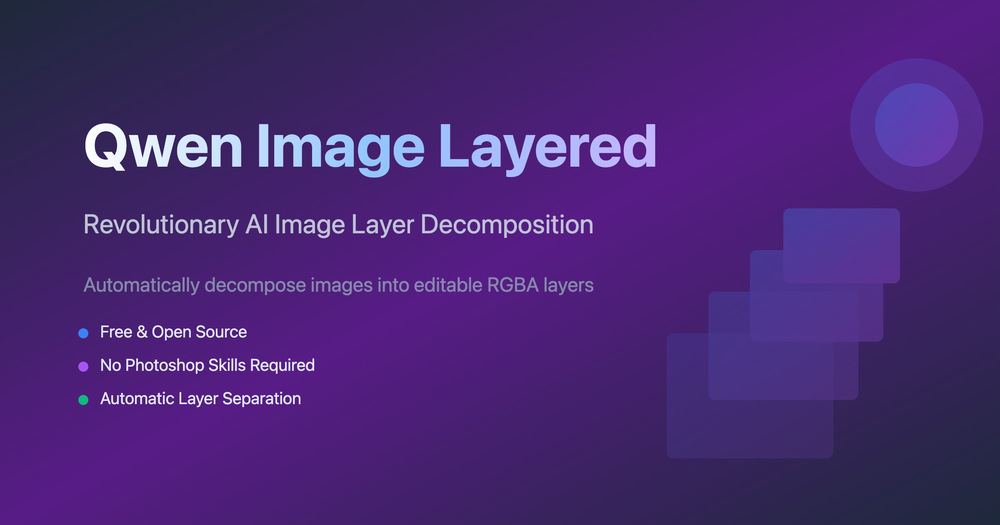
Image to Layers by ImageLayered uses AI to break a flat image into named, editable transparent layers. It can isolate subjects, objects, text, and backgrounds while reconstructing areas hidden behind extracted elements.
Key capabilities
- Separate flat images into transparent RGBA layers
- Detect subjects, text, objects, and backgrounds automatically
- Reconstruct obscured areas behind extracted objects
- Move, recolor, replace, or export individual elements
- Create editable assets without a complex desktop design workflow
Best for
Designers, content creators, ecommerce teams, and anyone repurposing existing graphics into editable assets.
Editorial note
AI separation quality depends on image complexity, resolution, and overlapping objects. Review fine edges and generated background areas before production use.