
LogoShipdirs
Hoocs AI logo

Hoocs AI

AI transcription workspace for audio, video, links, subtitles, summaries, translation, and visual mind maps.

Introduction

Hoocs AI

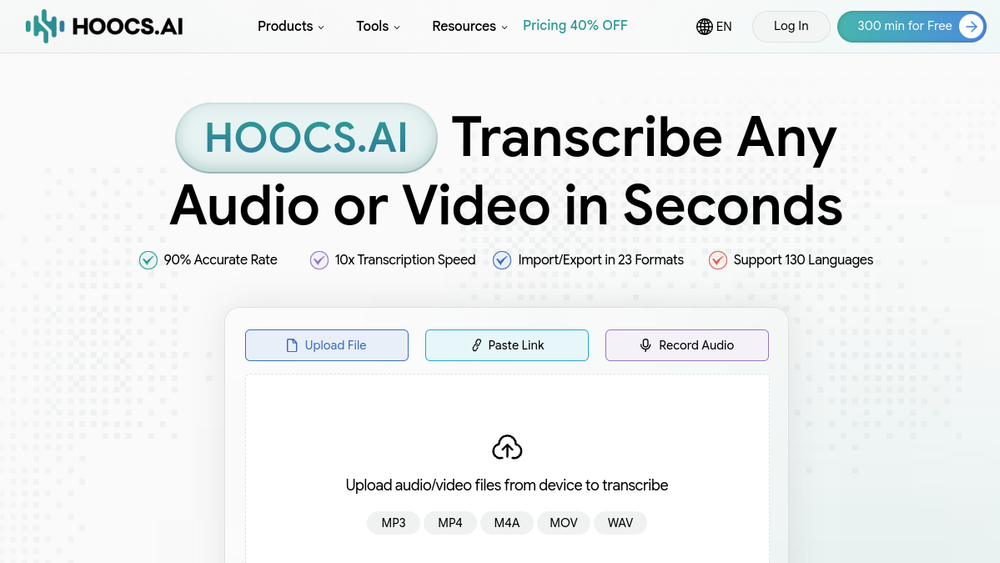
Hoocs AI converts uploaded or linked audio and video into editable transcripts. It combines speaker labeling, multilingual transcription, summaries, translation, subtitle exports, and visual mind maps in one browser workspace.

Best for

Meetings, interviews, lectures, podcasts, research recordings, webinars, and video-production workflows.

Editorial note

Toolify lists a limited free trial and paid plans. Accuracy depends on audio quality, accents, overlapping speakers, and specialist vocabulary, so review names, numbers, quotations, and subtitles before publication. Check privacy and retention terms before uploading confidential recordings.

How to Use Hoocs AI

  1. Create an account or sign in to the transcription workspace.
  2. Upload an audio or video file, paste a supported media link, or record audio.
  3. Select the spoken language and speaker settings.
  4. Generate the transcript, summary, key points, translation, or mind map.
  5. Correct names, numbers, timestamps, and speaker labels in the editor.
  6. Export the approved transcript or subtitles in the required format.

Hoocs AI's Core Features

Audio and video transcription

Converts recordings into editable, timestamped text.

Multilingual processing

Advertises transcription support across more than 130 languages.

Speaker identification

Separates and labels different speakers in multi-person recordings.

AI summaries

Produces summaries and key points from long recordings.

Visual mind maps

Turns transcript topics into a connected visual outline.

Subtitle workflow

Creates subtitles and supports multiple export formats.

Direct URL import

Accepts supported online media links in addition to local files.

Hoocs AI's Use Cases

1

Meeting records

Create searchable notes and action-point summaries from team calls.

2

Interview transcription

Prepare an editable transcript with speaker labels for research or publishing.

3

Lecture notes

Turn classes into text, summaries, and visual study maps.

4

Podcast production

Produce show notes, transcripts, and caption-ready text.

5

Video subtitles

Generate a subtitle draft and correct it before publishing.

FAQ from Hoocs AI

Hoocs AI Support & Company Information

Company
Submoss Network Limited

Newsletter

Join the Community

Subscribe to our newsletter for the latest news and updates