

LogoShipdirs
copaw icon

CoPaw

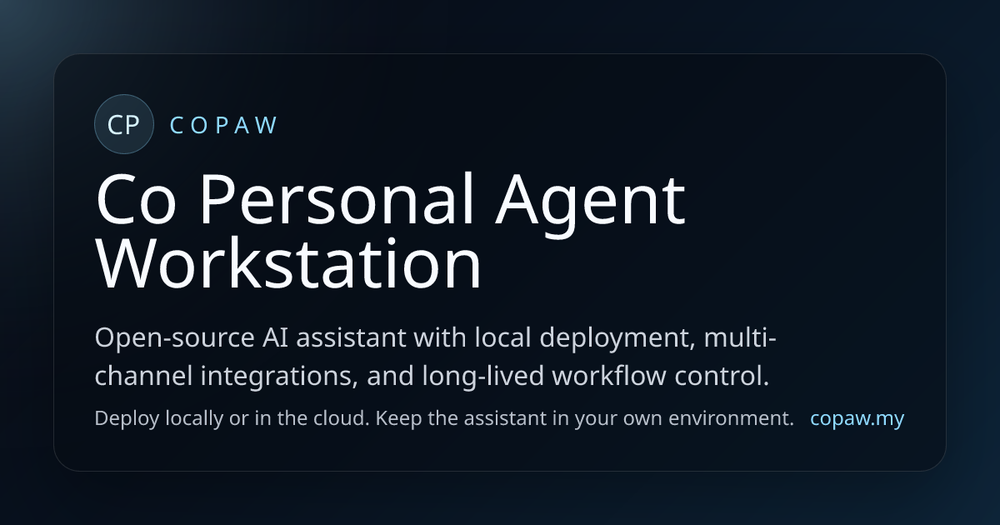
An open-source personal AI workstation with multi-channel messaging, configurable Skills, memory, and local or cloud deployment.

Introduction

CoPaw

CoPaw is an open-source personal AI assistant workstation built on AgentScope. It combines an agent runtime, a browser Console, Skills, memory, model configuration, and channel adapters so an assistant can stay useful beyond a single chat window.

Why it stands out
  • Connect one assistant to channels such as Discord, Telegram, Matrix, Mattermost, and other supported integrations.
  • Run locally, in Docker, on a private server, or through a cloud deployment path.
  • Extend behavior with built-in and custom SKILL.md-based instructions and scripts.
  • Keep scheduled prompts, reminders, digests, and recurring workflows running through heartbeat and cron.
  • Choose local models through llama.cpp, MLX, or Ollama, or connect hosted providers.
  • Operate providers, channels, context, token usage, skills, and model switching from a browser Console.

CoPaw is a strong fit for people who want an extensible, self-controlled assistant workstation rather than a single-purpose chat interface. Review channel permissions and model-provider terms before connecting personal or business data.

How to Use CoPaw

  1. Install CoPaw with the official script, pip package, Docker image, or a supported cloud deployment.
  2. Open the Console and configure a model provider and the channels where the assistant should be reachable.
  3. Add or enable Skills for the work you want to automate.
  4. Test the assistant with non-sensitive tasks, then add scheduled prompts or recurring workflows.
  5. Review logs, token usage, permissions, and stored memory as you expand its responsibilities.

CoPaw's Core Features

Multi-channel assistant

Connect one assistant to supported chat and messaging channels instead of forcing every workflow into a new interface.

Skills and extensibility

Use built-in or custom SKILL.md instructions and scripts to add repeatable capabilities.

Local or cloud deployment

Run the workstation locally, in Docker, on a private server, or through a cloud-oriented setup.

Browser Console

Configure providers, channels, context, token usage, skills, and model switching from an operational web console.

Memory and scheduled workflows

Keep useful context and run heartbeat or cron workflows after the original conversation ends.

CoPaw's Use Cases

1

Personal productivity

Use a persistent assistant for reminders, research, summaries, and repeatable everyday workflows.

2

Private AI deployment

Run models and assistant data in infrastructure you control when privacy, latency, or cost matters.

3

Team channel automation

Connect approved channels to recurring reports, triage, and lightweight operational tasks.

4

Agent experimentation

Build and test new assistant behaviors with Skills without writing a full application from scratch.

FAQ from CoPaw

CoPaw Support & Company Information

Company
CoPaw / AgentScope

Social Links

Newsletter

Join the Community

Subscribe to our newsletter for the latest news and updates