
LogoShipdirs
icon for AI3DGen

AI3DGen

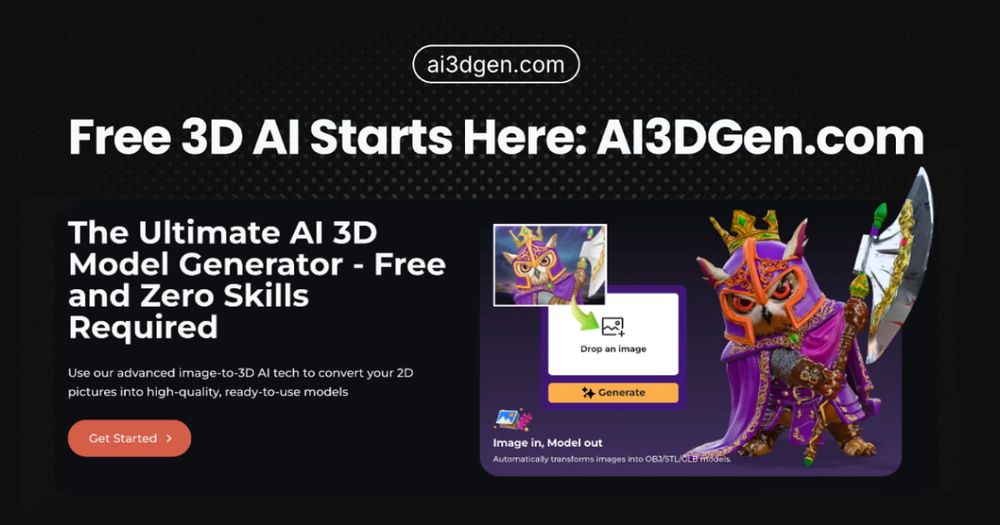
Convert 2D images into textured 3D models and export assets for design, games, and 3D printing.

Introduction

AI3DGen

AI3DGen turns 2D images into 3D models using AI. Its public homepage describes textured model generation and free OBJ, STL, and GLB exports, with use cases spanning gaming, 3D printing, and design.

Generated geometry and textures should be inspected and cleaned up before production. Check topology, dimensions, material quality, and licensing requirements for the intended use.

How to Use AI3DGen

  1. Choose a clear image of the object or subject to convert.
  2. Upload it to the image-to-3D generator and select the available generation settings.
  3. Review the generated model from multiple angles and adjust if needed.
  4. Export OBJ, STL, or GLB in the format required by the next tool.
  5. Inspect mesh quality, scale, textures, and licensing before printing or shipping.

AI3DGen's Core Features

Image-to-3D conversion

Creates a 3D model from an uploaded 2D image.

Textured model generation

Adds surface appearance to generated 3D assets.

Common export formats

The site lists OBJ, STL, and GLB downloads.

No-signup positioning

The homepage advertises generation without signup; confirm current limits.

Multiple creative applications

Targets design, gaming, and 3D printing workflows.

AI3DGen's Use Cases

1

3D printing prototypes

Convert concept images into starting meshes for print preparation.

2

Game asset ideation

Create draft 3D assets from reference artwork.

3

Product and design visualization

Explore a 3D interpretation of a 2D product or concept image.

4

3D workflow experimentation

Compare generated models and export them to a modeling tool.

FAQ from AI3DGen

AI3DGen Support & Company Information

Support Email
support@ai3dgen.com
Company
AI3DGen

Newsletter

Join the Community

Subscribe to our newsletter for the latest news and updates