
LogoShipdirs
Logo of AI Video Trends

AI Video Trends

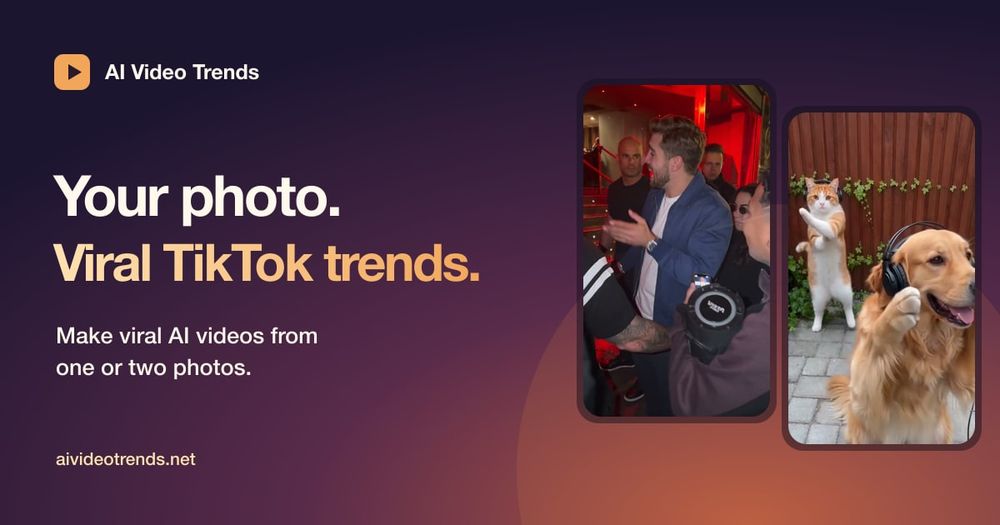
Turn one or two photos of people, pets, or characters into short videos inspired by viral TikTok trends.

Introduction

AI Video Trends turns one or two photos into short videos based on recognizable viral formats. Instead of inventing every movement from scratch, the workflow recasts a trend template with the subject from the uploaded photo while preserving the original movement, camera work, and timing.

Creators can choose a template, generate a silent video or still frame, and add the original sound when publishing to TikTok or Reels. The public site describes one-time purchase packs rather than a subscription.

How to Use AI Video Trends

  1. Upload one or two clear photos of a person, pet, or character.
  2. Pick a trend template and review its example movement and timing.
  3. Generate the personalized clip and inspect the result.
  4. Download the silent video or still frame, then add audio when posting.

AI Video Trends's Core Features

Photo-to-trend video

Recast a viral short-video format using the subject from one or two photos.

Movement and camera preservation

Keep the source template’s moves, camera work, and timing while changing the subject.

Template library

Choose from recognizable trend formats for people, pets, and characters.

Social-ready export

Download a silent video or still frame for publishing with platform audio.

AI Video Trends's Use Cases

1

TikTok trend participation

Join a current visual format without filming the full choreography yourself.

2

Pet and character clips

Turn a pet or fictional character image into a short trend-inspired video.

3

Reels experimentation

Create fast concepts for short-form social content and compare templates.

FAQ from AI Video Trends

AI Video Trends Support & Company Information

Company
AI Video Trends

Newsletter

Join the Community

Subscribe to our newsletter for the latest news and updates